Animating the Boat Movement
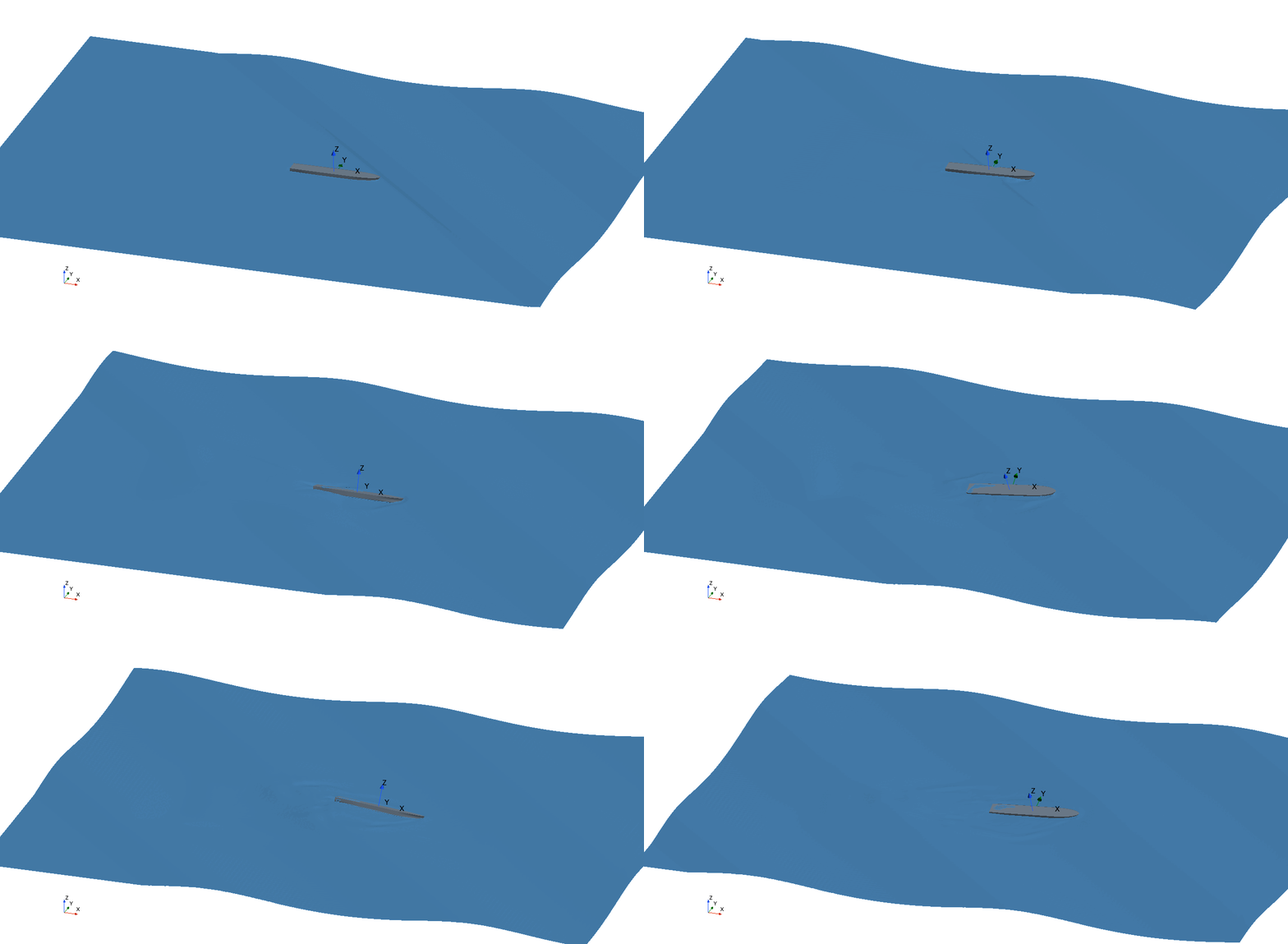
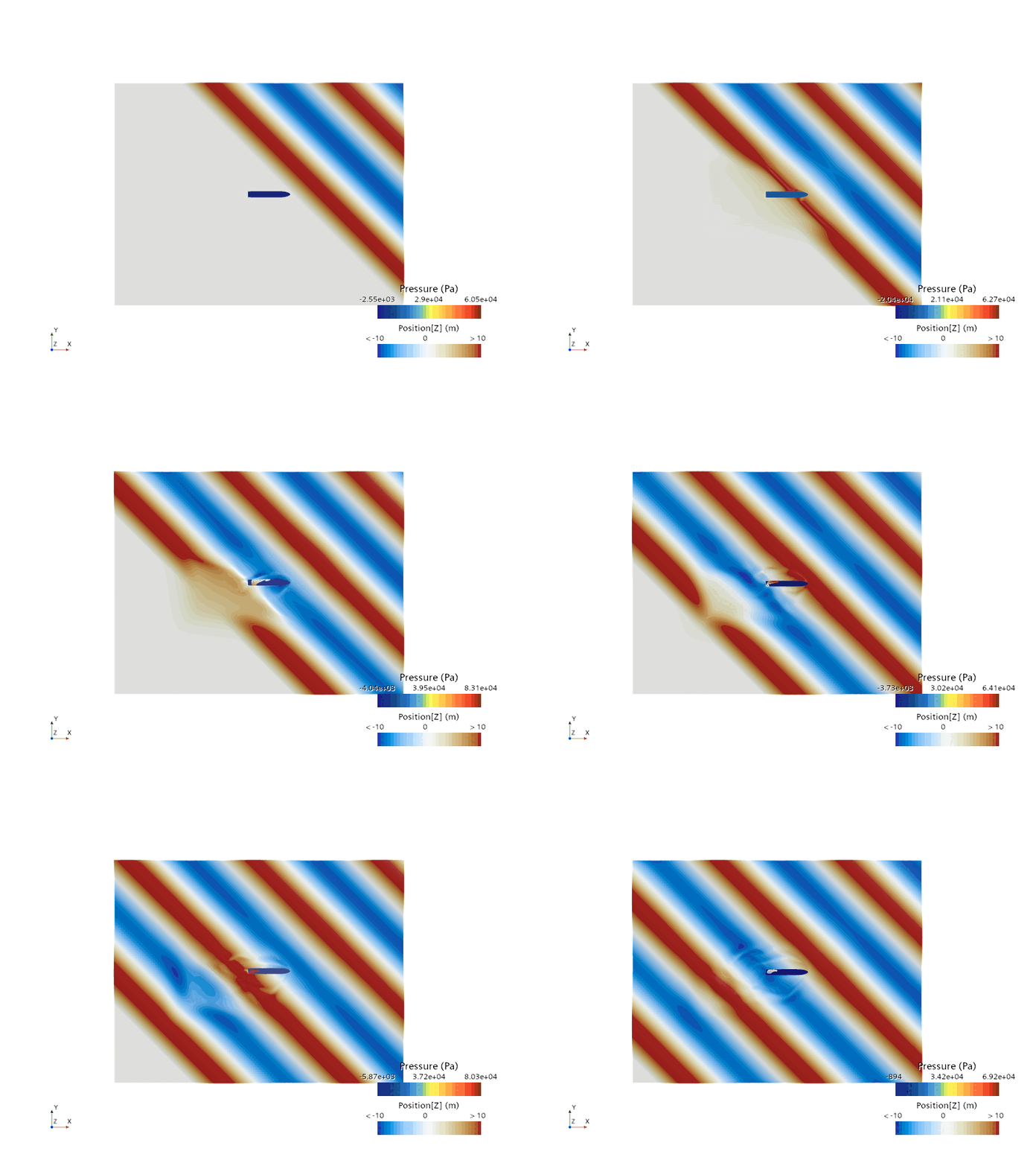
To visualize the movement of the boat during the simulation, you can create an animation of the IsoSurfaceWaves scalar scene.
To set up the animation:
- Multi-select , Scalar 2 and select Edit.
- In the Multiple Objects - Properties window, set Representation to wavehistory.
-
To play the animation, select
 (Play/pause animation in active scene).
-
The boat motion is demonstrated below with the boat 6-DOF body
and water free surface: